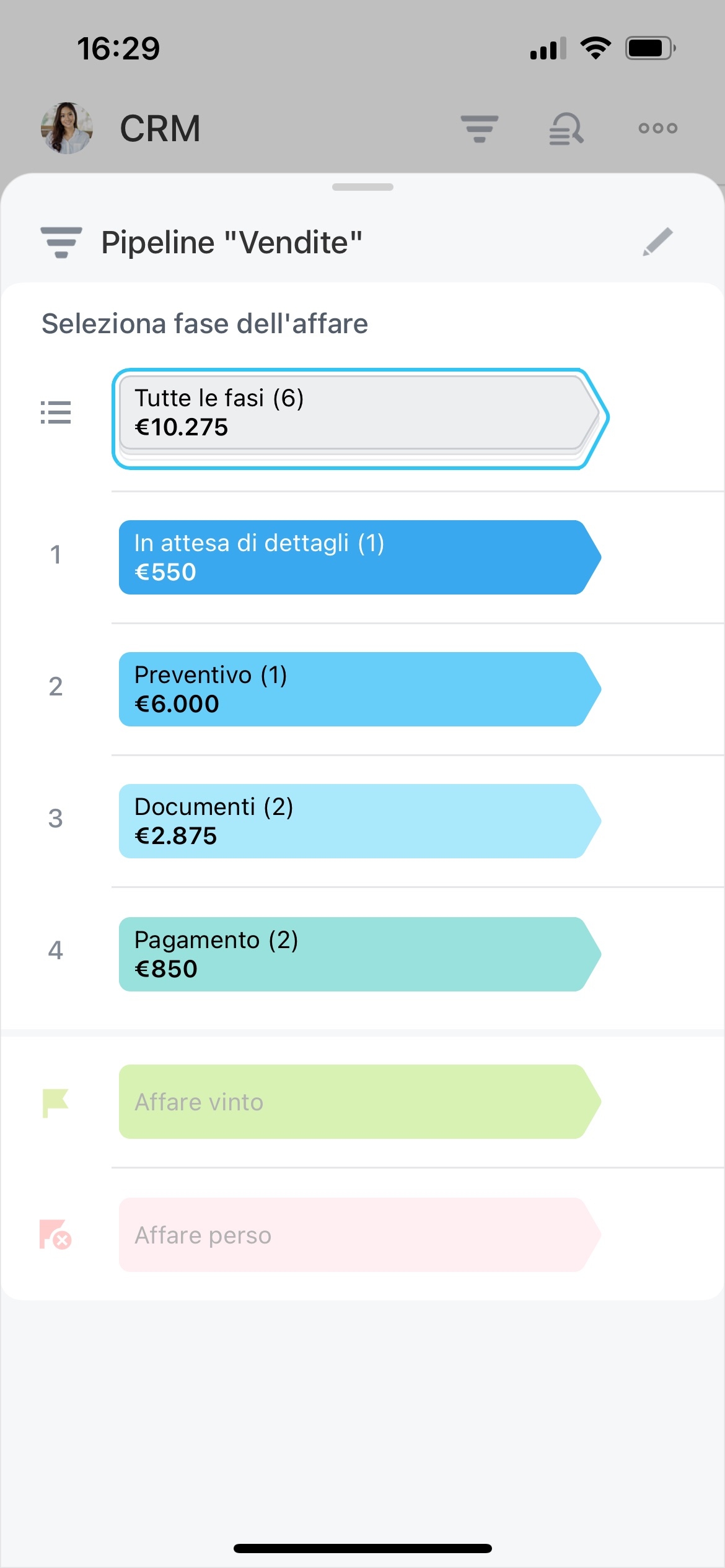
Turn qualified replies into deals
Outbound sales starts before a prospect becomes an opportunity. Your team needs to define whom to contact, assign responsibility, record each interaction, and identify the responses that deserve a sales conversation.
Bitrix24 gives this process a shared CRM workflow. Build prospecting lists, assign the next outreach action, follow each contact through defined stages, and carry useful context into the deal process when interest becomes concrete.
Keep responses with the prospect record
Record outreach and replies against the relevant CRM record so the conversation retains its context. Notes, communication activity, and follow-up actions show what has already happened before anyone contacts the prospect again.
This is useful when a reply comes after several attempts or when another representative takes over the relationship.
Organize prospects for targeted outreach
Build prospecting lists around the criteria your team uses to prioritize outbound work, such as market segment, territory, or account ownership. Keep each prospect in a CRM record with the details representatives need before making contact.
This creates a workable starting pool and makes it easier to distinguish prospects still awaiting outreach from those already in conversation.
Assign every prospect and next action
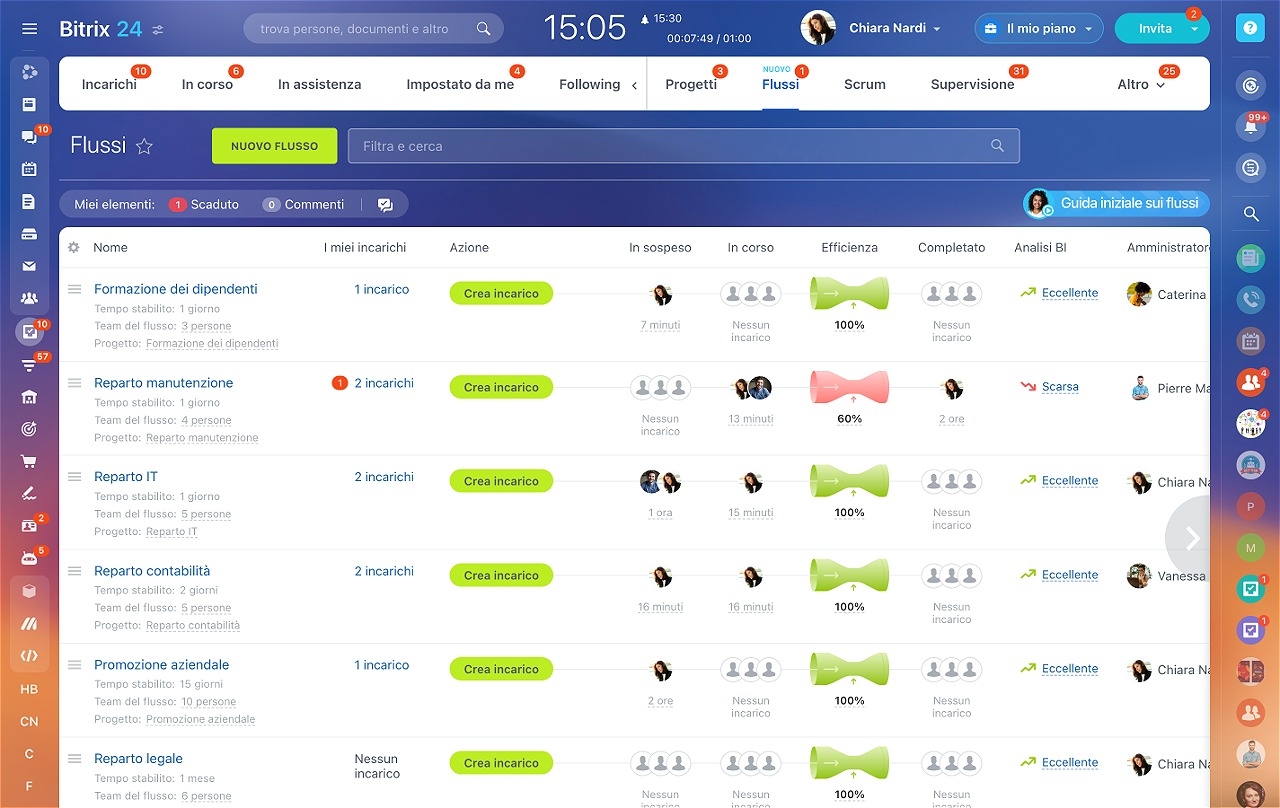
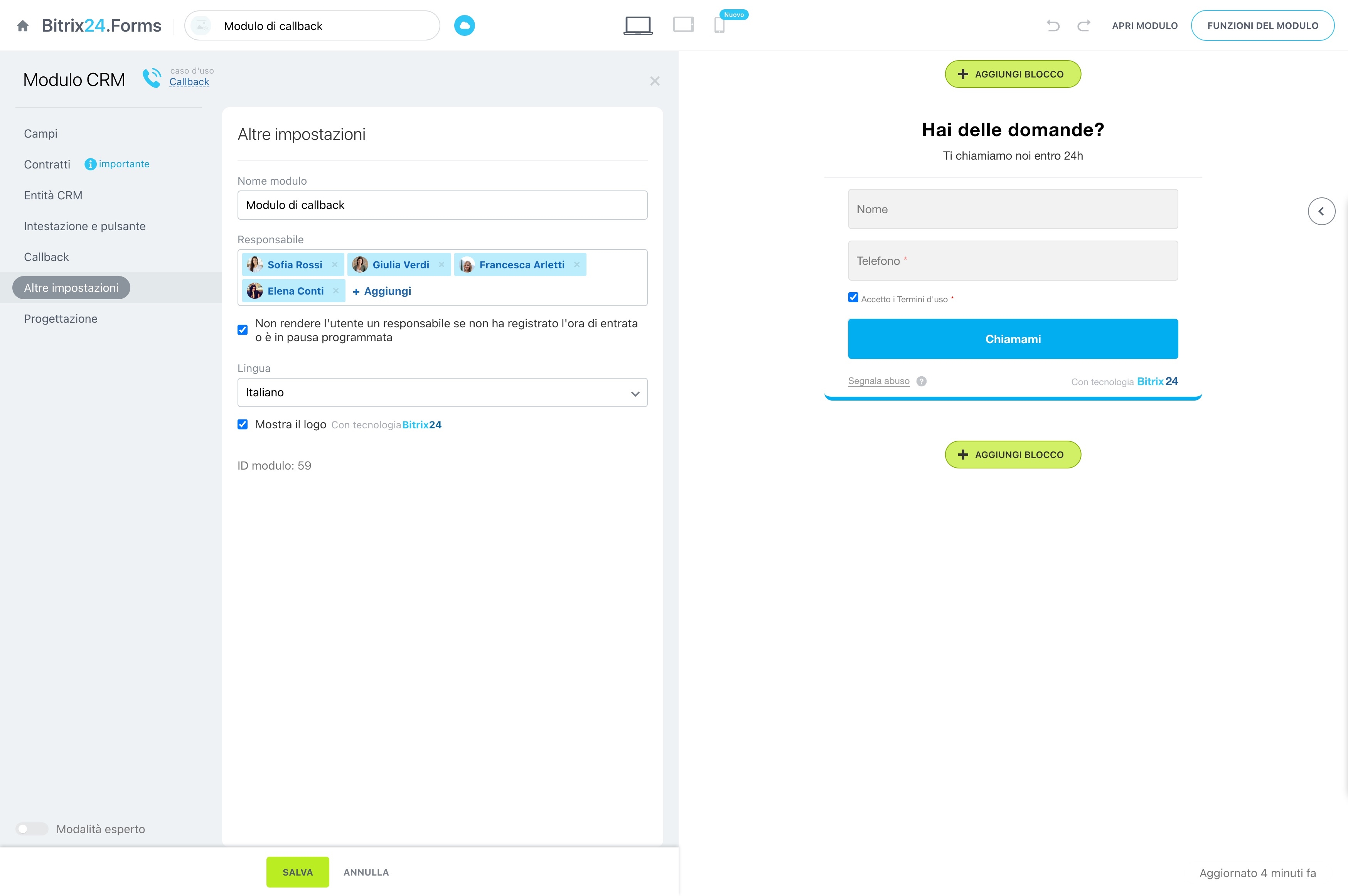
Give each prospect a clear owner and define what should happen next. Assign records to representatives, create follow-up tasks, and use the current status to coordinate work across the team.
- Distribute prospects by territory, segment, or representative.
- Set the next call, message, or review task.
- Identify contacts that are active, waiting, or ready for another touch.
Move contacts through outbound stages
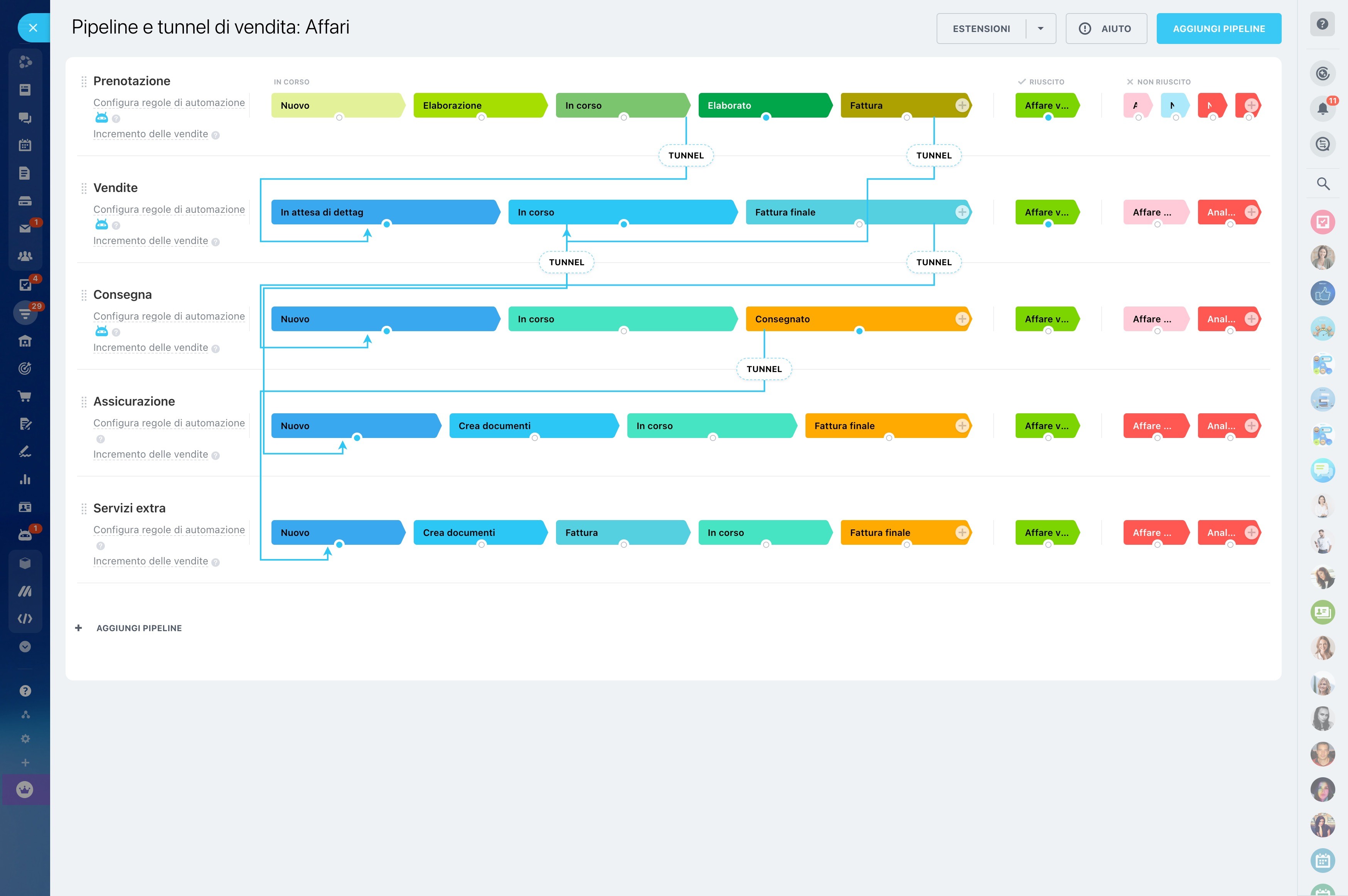
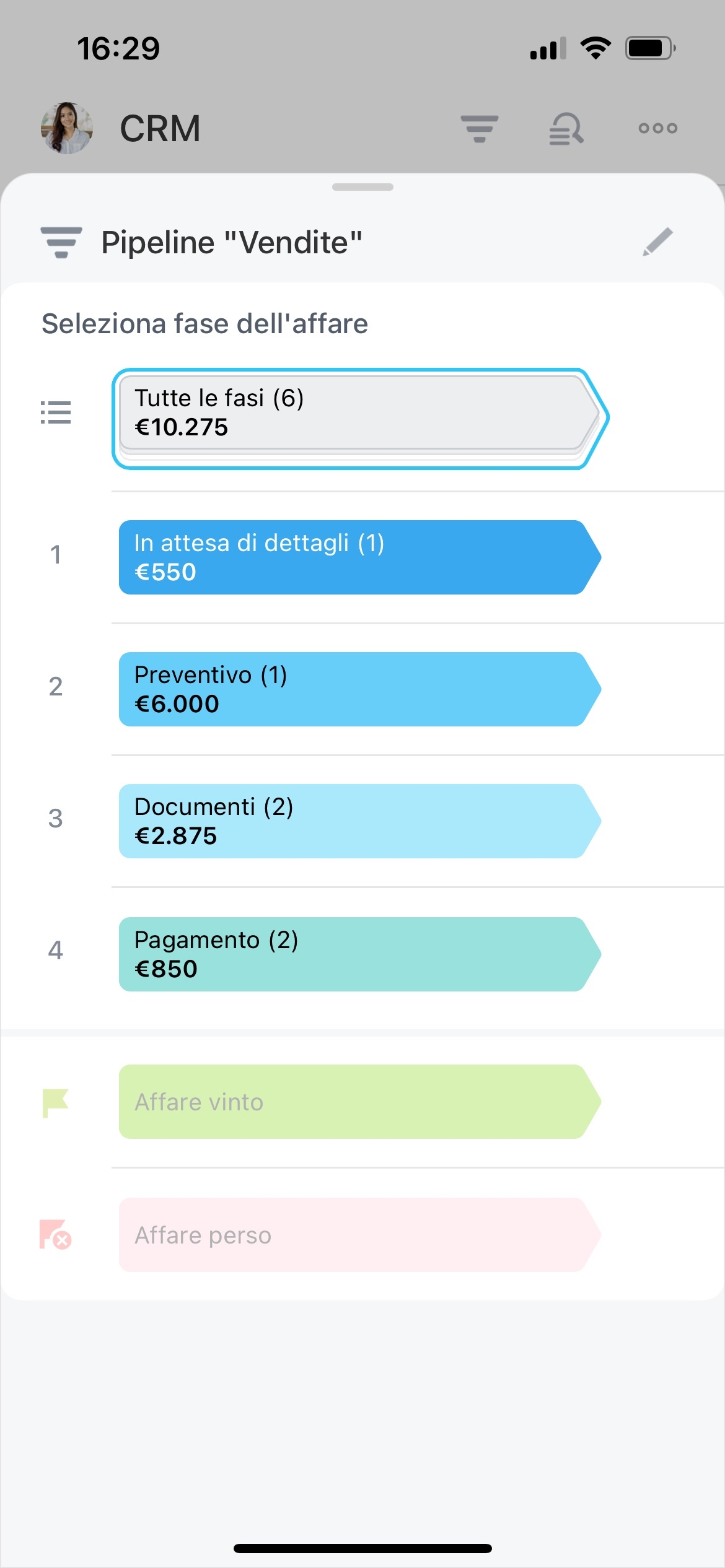
Use CRM stages to represent the outbound lifecycle, from initial targeting and first outreach to response, qualification, and deal creation. Each stage gives representatives a practical view of where a prospect stands.
Managers can see which contacts need attention, while sellers can focus on the next action without reconstructing the prospect’s progress.
Make repeatable follow-up consistent
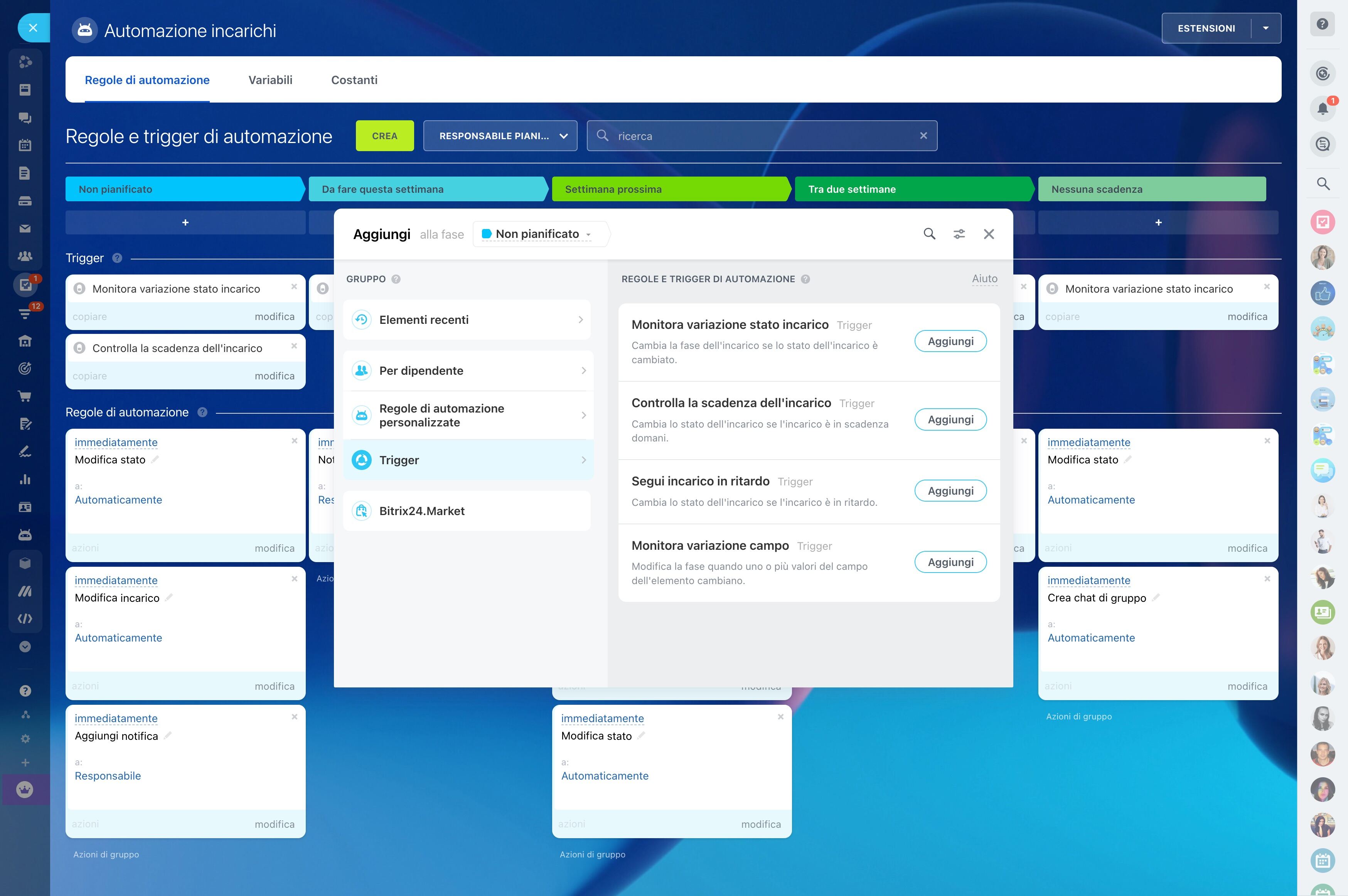
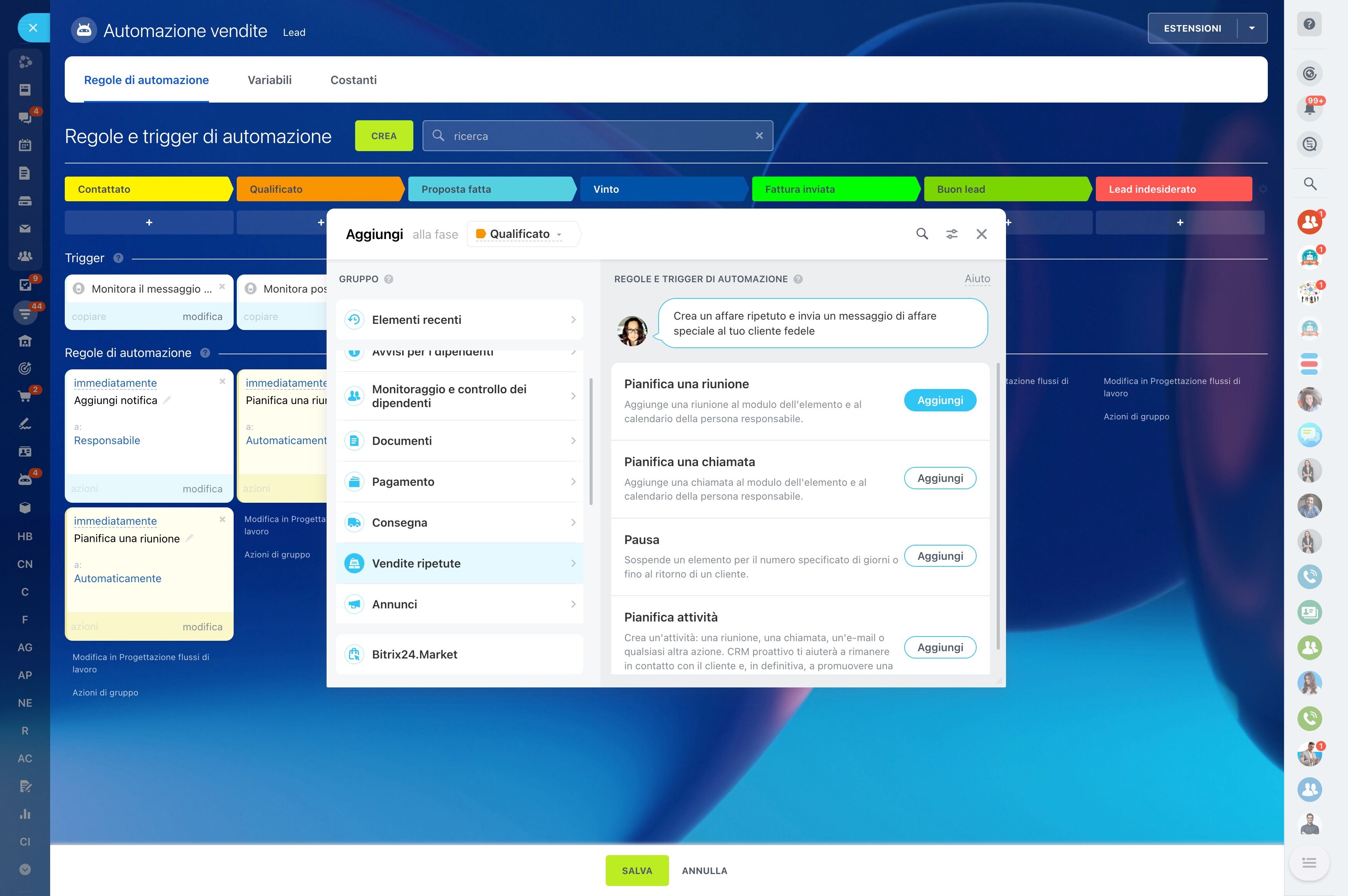
Define follow-up actions for predictable points in the outreach process. CRM automation can support routine next steps, helping the team maintain the sequence without relying on individual memory.
Representatives can then focus their time on replies that require qualification, judgment, or a tailored conversation.
Turn qualified replies into deals
A response does not automatically represent an opportunity. When a prospect shows genuine buying interest, move the conversation into the deal workflow while keeping the relevant record and follow-up context available.
The sales team can then manage the opportunity through its own stages, tasks, communication, and next actions.
Review activity and pipeline movement
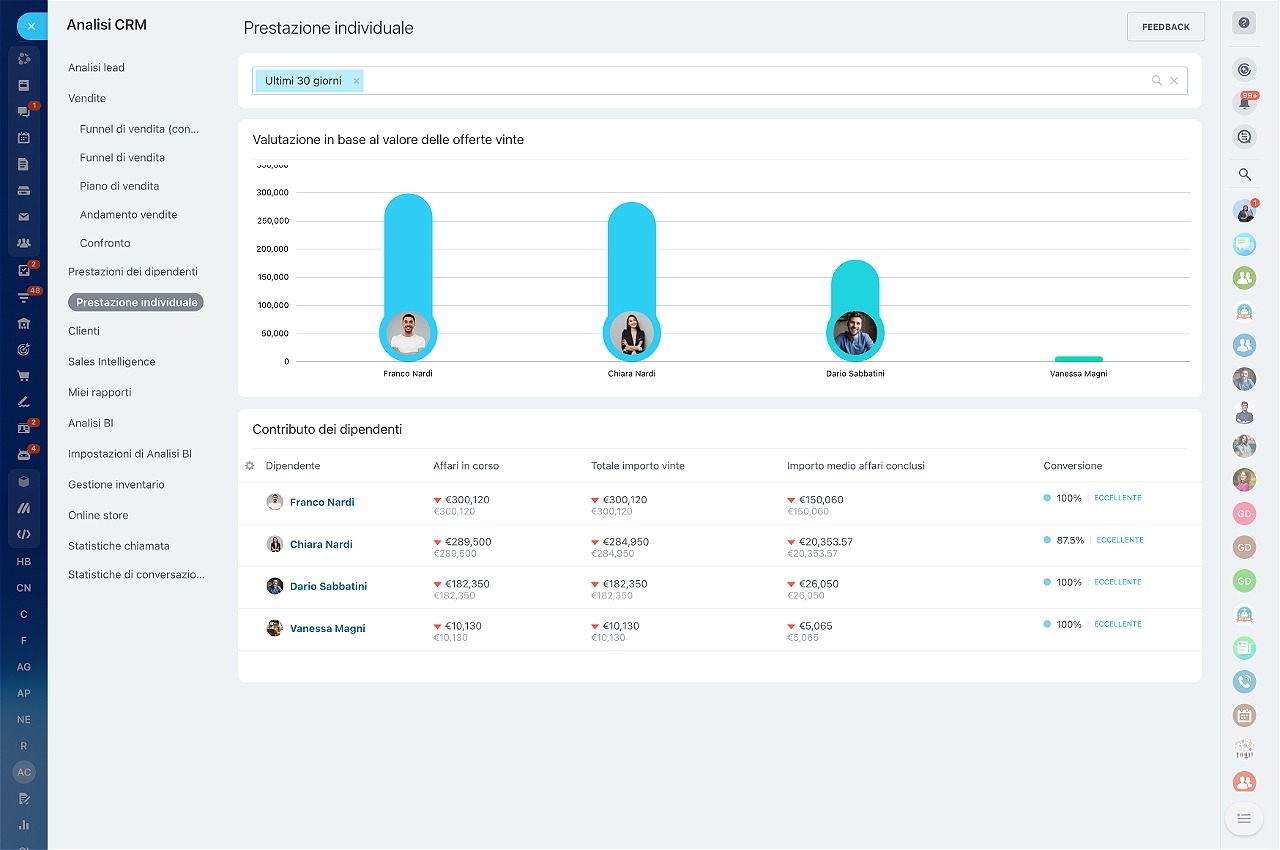
Review both outreach activity and progression: which prospects are being worked, where conversations pause, and which positive responses have become deals. CRM views and task tracking give managers a practical way to assess workload and pipeline movement.
That visibility supports coaching, reassignment, and informed adjustments to the prospecting process.