Update segments as customer context changes
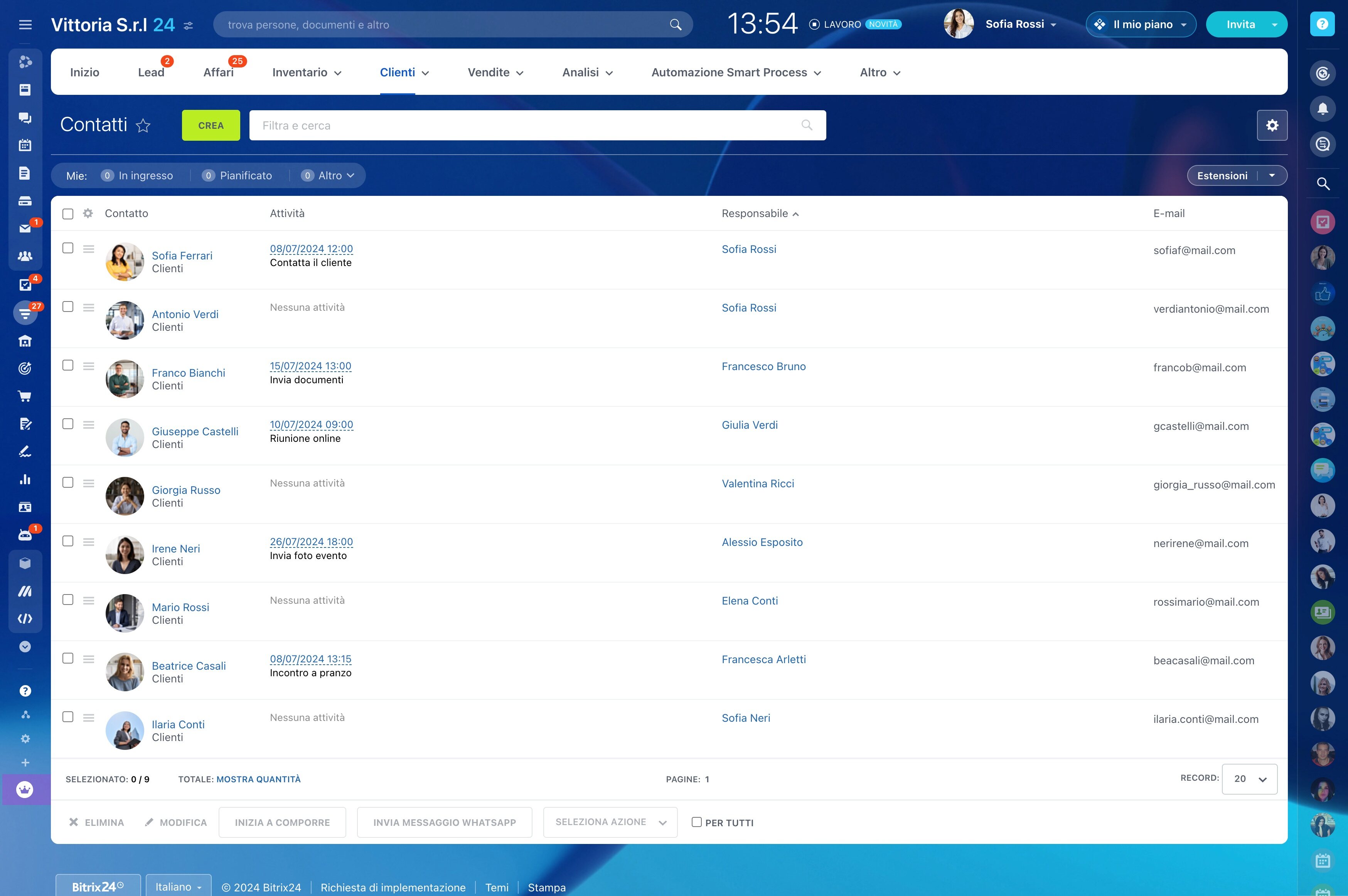
Different contacts need different reasons to engage. Customer segmentation software lets sales teams group people by profile, behavior, lifecycle stage, or sales value, then use those groups to plan outreach with a clear purpose.
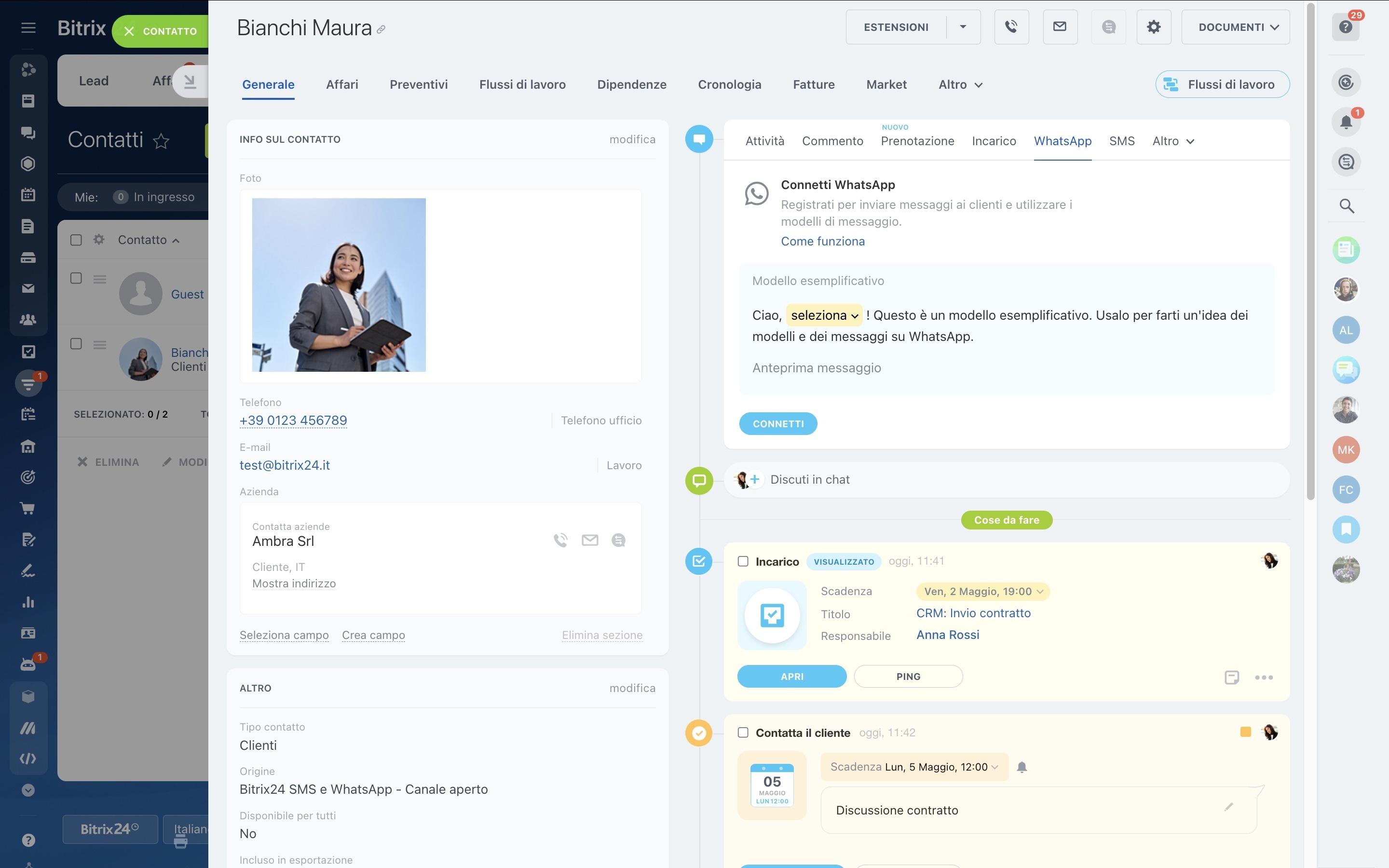
In Bitrix24, teams can define practical segment criteria in the CRM, assign the next action, and review how each audience responds. For example, a contact who shows interest in a new service can trigger a priority follow-up task; the team can then measure responses, meetings, or opportunities from that segment.
Update segments as customer context changes
Customer groups should reflect the current relationship, not remain permanent labels. Review them when a lifecycle stage changes, an opportunity progresses, or a contact’s interests become clearer.
That keeps follow-up appropriate: one audience may need education, another a sales conversation, an account review, or a reactivation message.
Build segments around real sales decisions
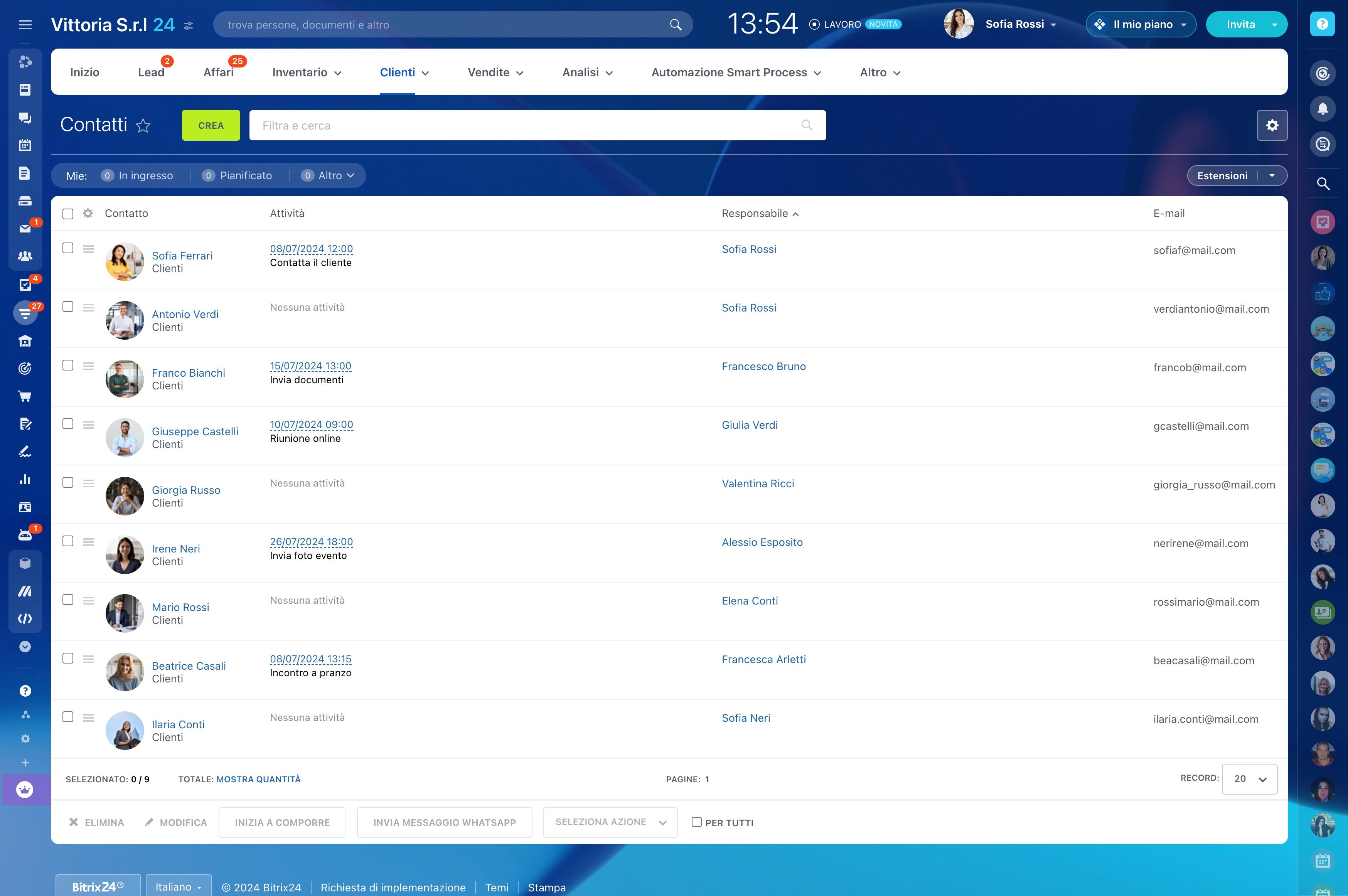
Start with criteria that change how your team communicates. Group contacts by industry, role, region, customer type, product interest, lifecycle stage, prior activity, or estimated sales value. Combining a few relevant criteria creates a useful audience instead of another broad contact list.
- Profile: industry, role, region, or customer type.
- Behavior: interactions, responses, or expressed interests.
- Lifecycle: new lead, active opportunity, customer, or reactivation audience.
- Sales value: account priority, deal potential, or relationship value.
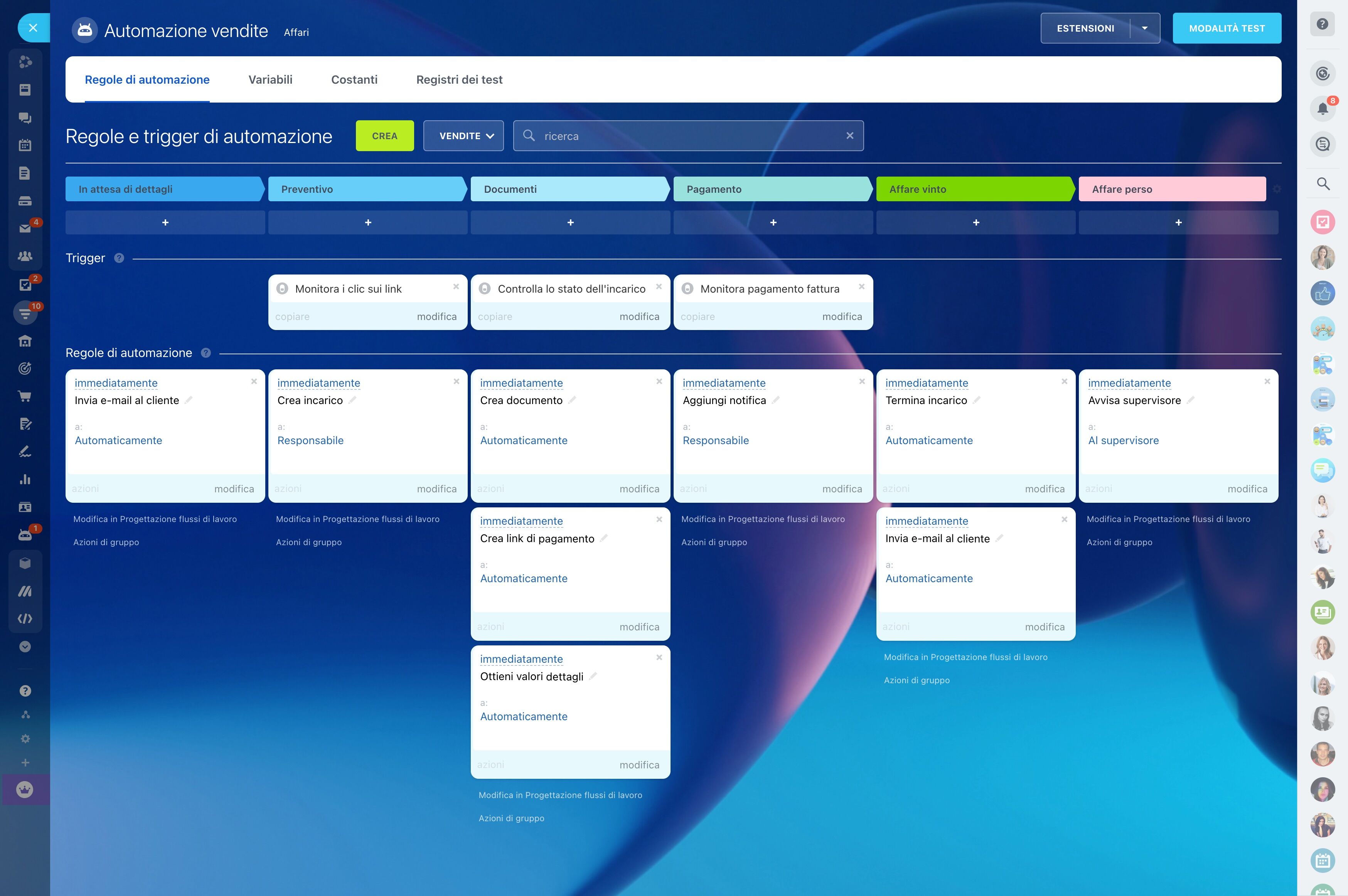
Turn customer signals into next actions
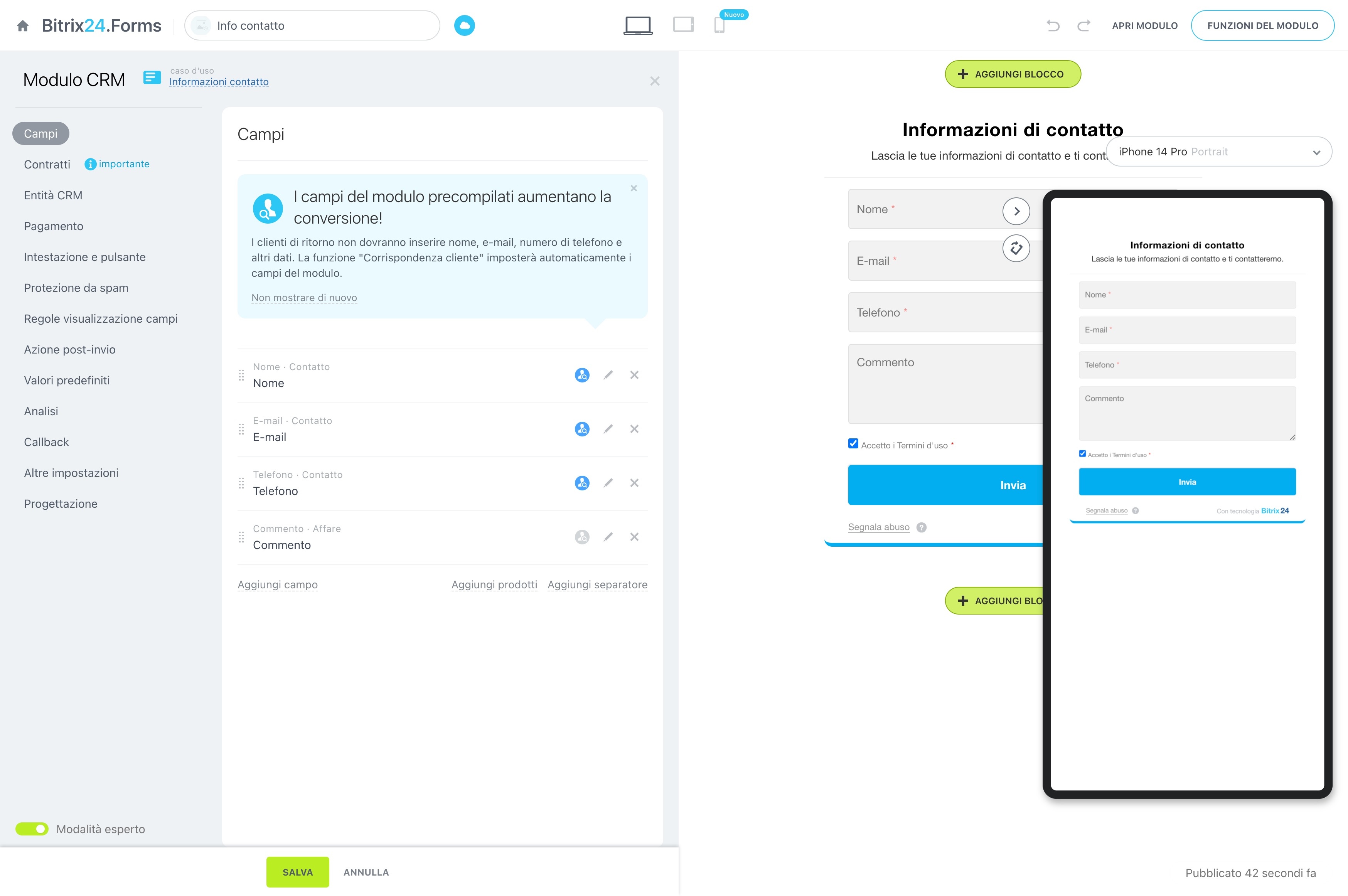
Segmentation matters when it changes the next step. If a high-value contact shows interest in a new service, the CRM action might be a priority follow-up task for the responsible representative. The measurable outcome is then visible in responses, meetings, or opportunities from that audience.
This trigger → CRM action → outcome pattern keeps targeted outreach tied to observable sales activity rather than static labels.
Control who maintains segment logic
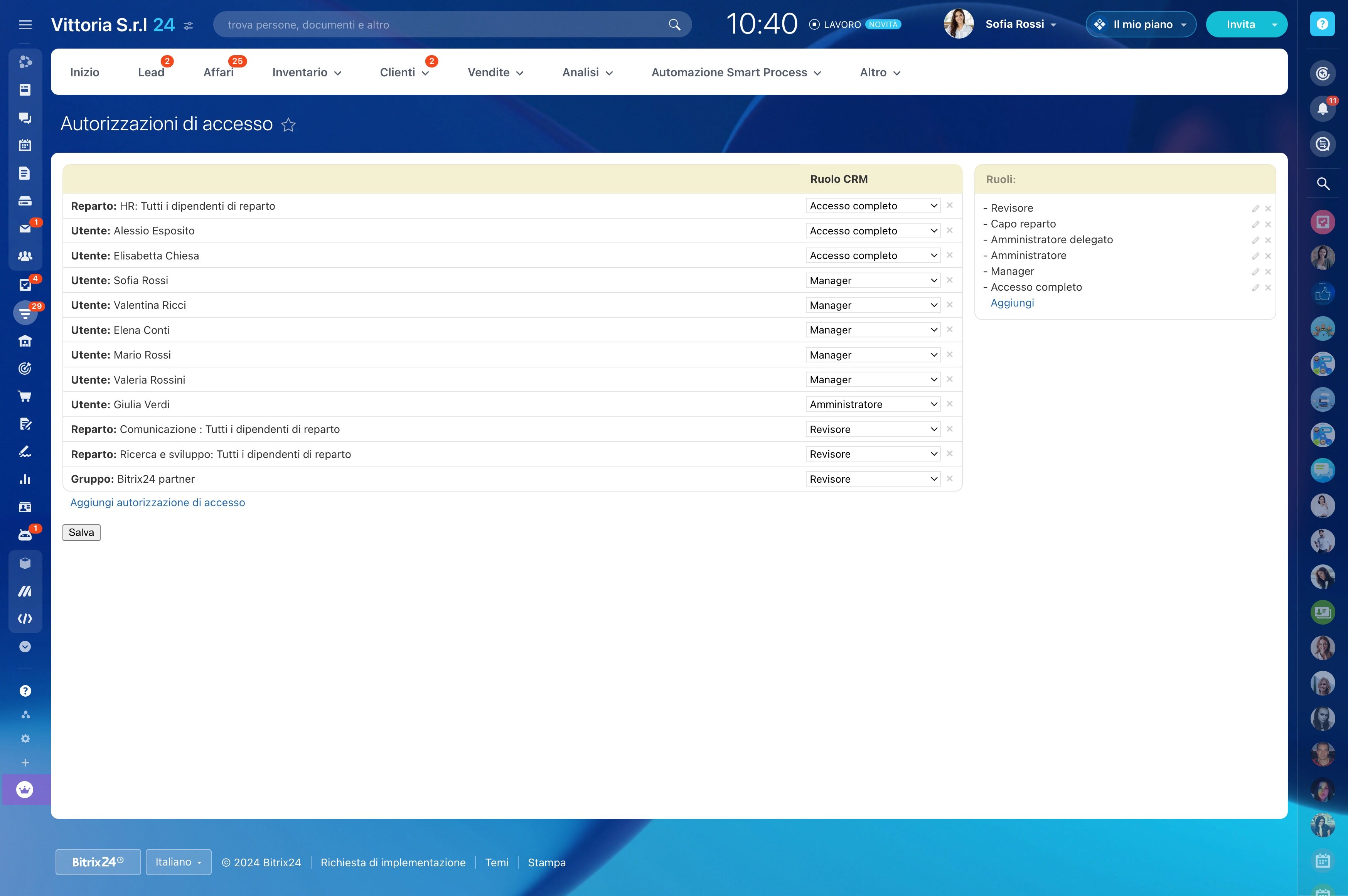
Agree on segment names, criteria, and review ownership before several teams begin using them. Define who can create or edit groups and who is responsible for acting on the resulting audience.
Clear permissions reduce conflicting definitions and help marketing, sales, and account teams work from the same CRM logic while retaining ownership of their actions.
Compare results across customer groups
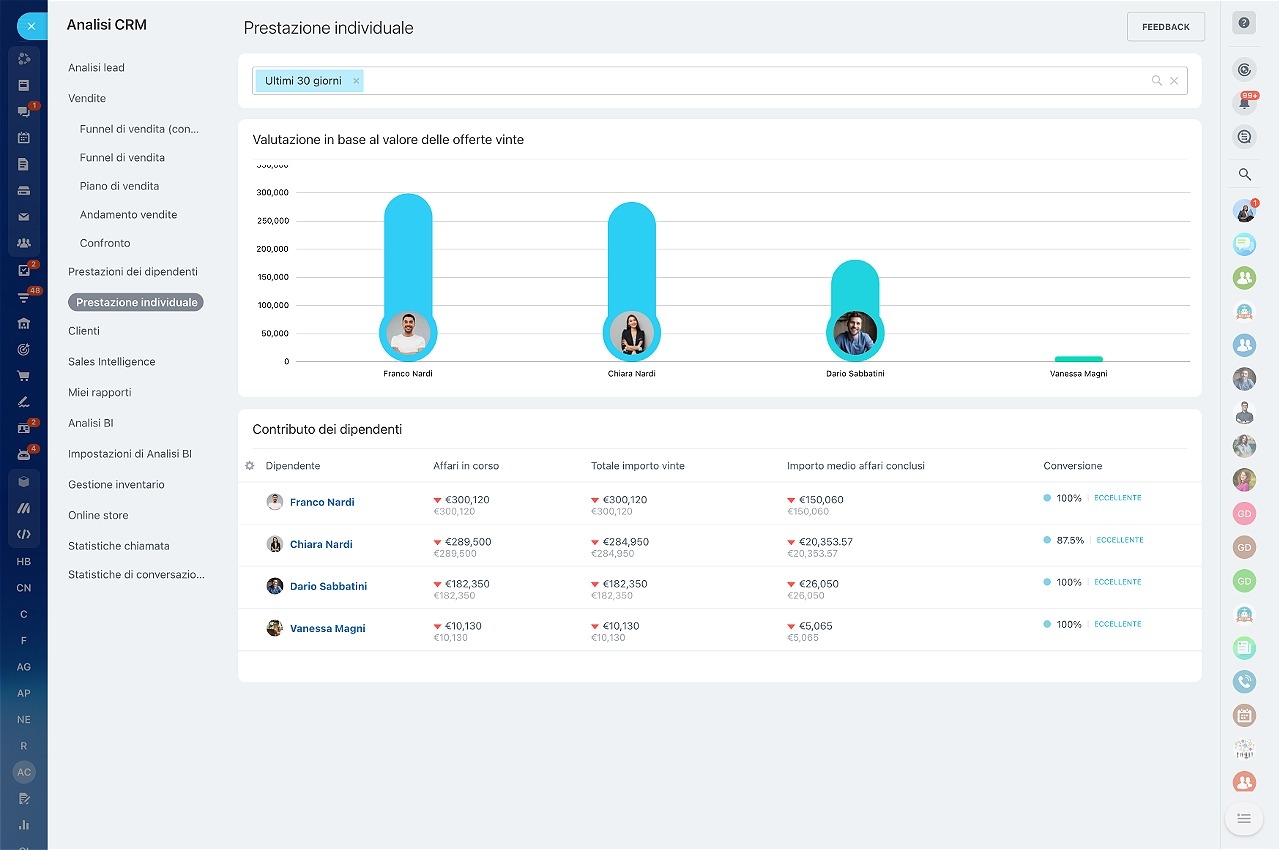
Use CRM reporting to compare responses, meetings, opportunities, or revenue by segment when those records are available in your process. The comparison shows which audiences engage and where a message or priority needs adjustment.
Apply those findings to the next outreach cycle by refining criteria and focusing effort on the segments that support your sales goals.
Connect segments to CRM follow-up
Segmentation should support existing CRM work, including lead qualification, deal follow-up, contact management, marketing activity, and account planning. Keep each definition close to the workflow it informs.
This links qualification to new contacts, opportunity management to active buyers, and customer follow-up to existing accounts without creating an isolated list outside the sales process.