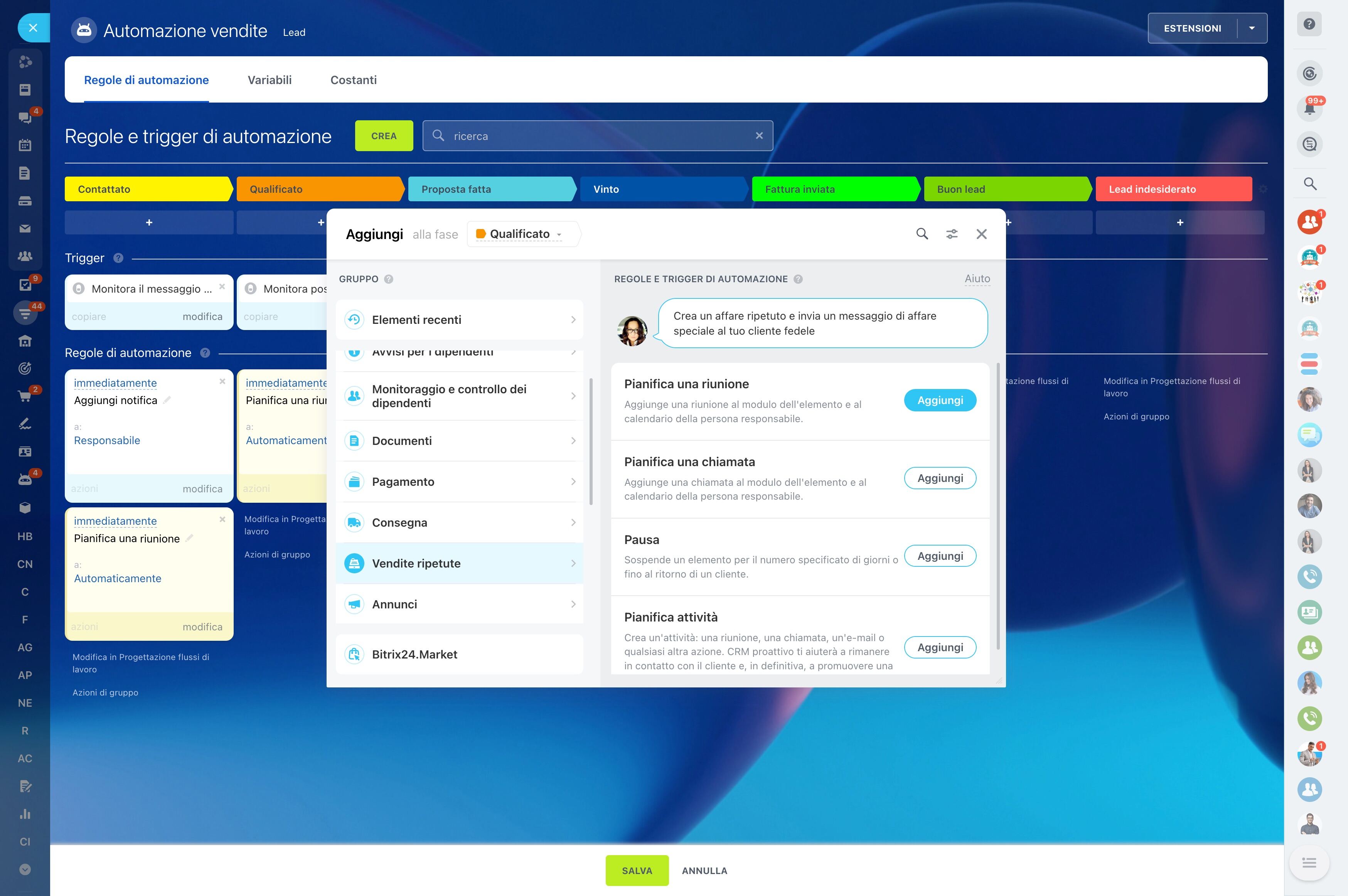
Design stages around enrollment decisions
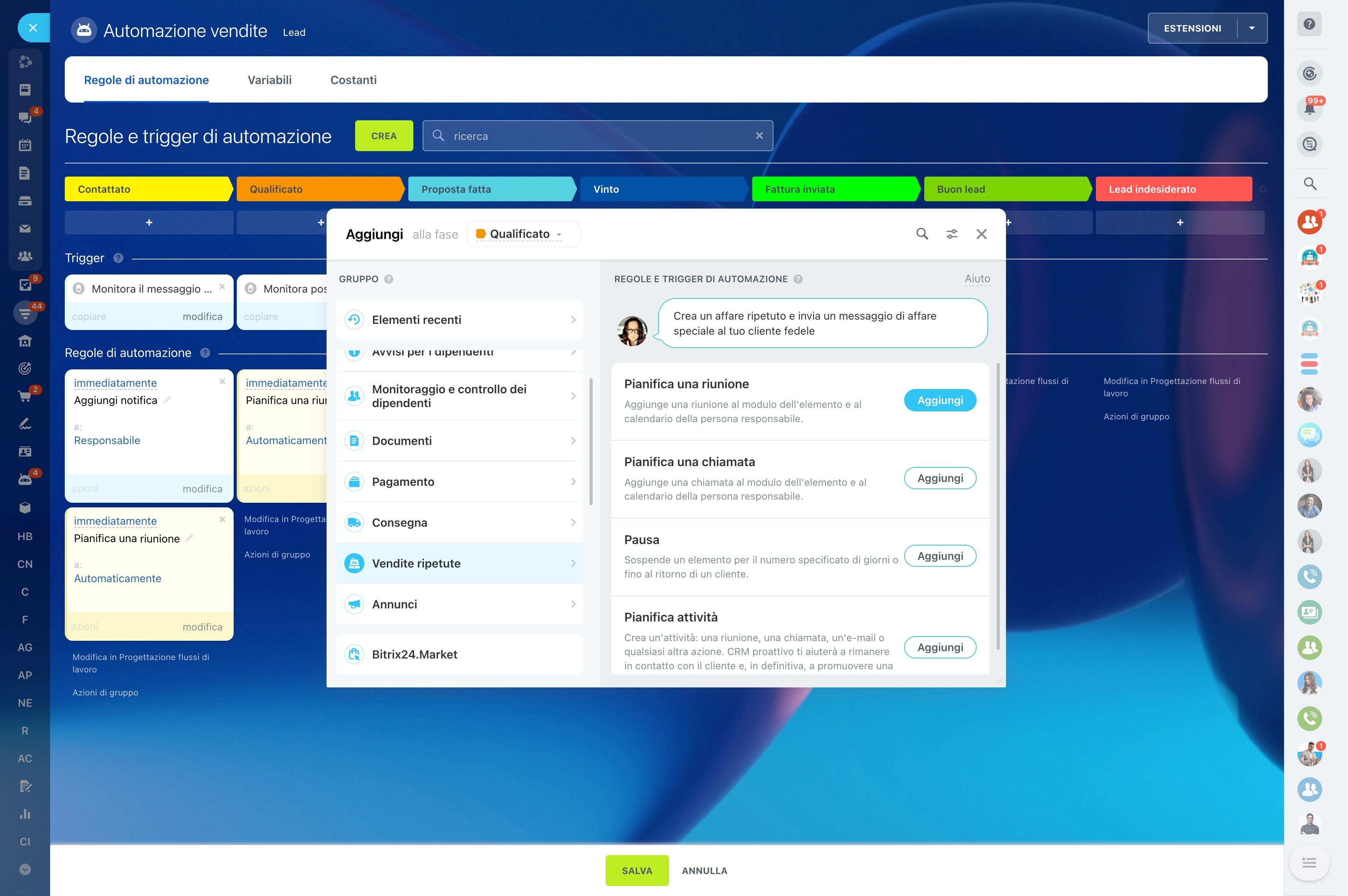
For an online course creator, a student relationship can begin with a question about the syllabus and continue through enrollment, payment, cohort participation, and a later program offer. The CRM needs to reflect that journey rather than treat every contact as a separate sale.
Bitrix24 CRM for online course creators provides a structured way to record student interest, move opportunities through enrollment stages, assign follow-up tasks, and keep communication connected to the relevant record. You can adapt the workflow for evergreen courses, scheduled cohorts, workshops, or coaching offers while keeping the next action visible.
Organize cohort communication by context
Each cohort has its own dates, expectations, materials, and reminders. Keep those details connected to the students assigned to that cohort so communication stays relevant before and during the program.
Shared records also give assistants or support partners the context they need to continue a student conversation without asking for the same background again.
Turn course inquiries into qualified opportunities
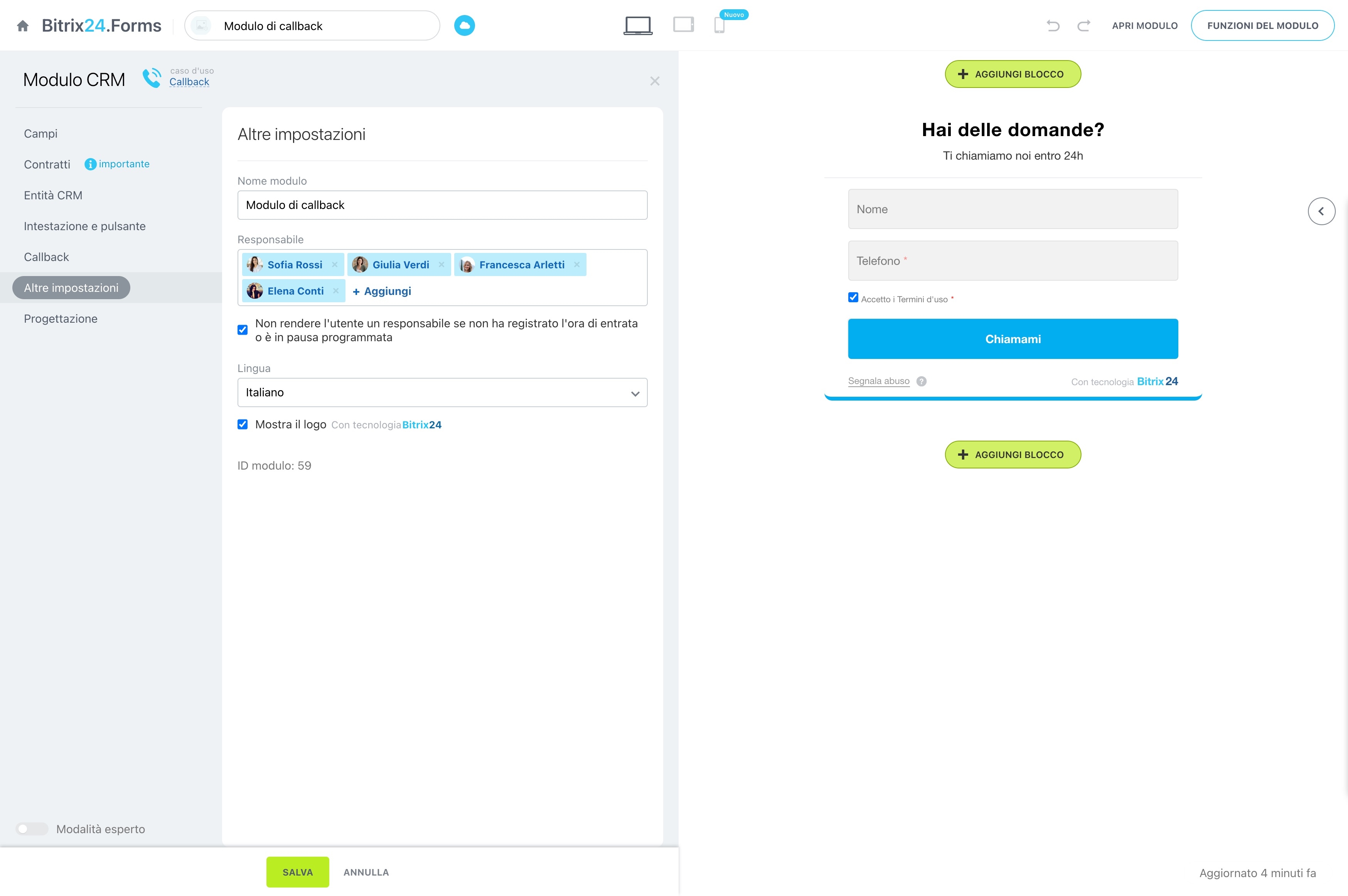
Record each prospective student with the course or cohort they are considering, their questions, preferred start date, and inquiry source. This context helps you distinguish a new question from a genuine enrollment opportunity and decide what follow-up is appropriate.
- Capture interest in a specific program or cohort
- Keep conversations attached to the student record
- Identify the next qualification step
Design stages around enrollment decisions
Build stages that match the way students buy: inquiry, qualification, offer sent, payment pending, enrolled, or not proceeding. Each stage gives you a clear view of where the student stands and what needs attention next.
Use different stage flows when evergreen programs, fixed-date cohorts, workshops, and one-to-one offers require different decisions.
Keep payment and onboarding actions visible
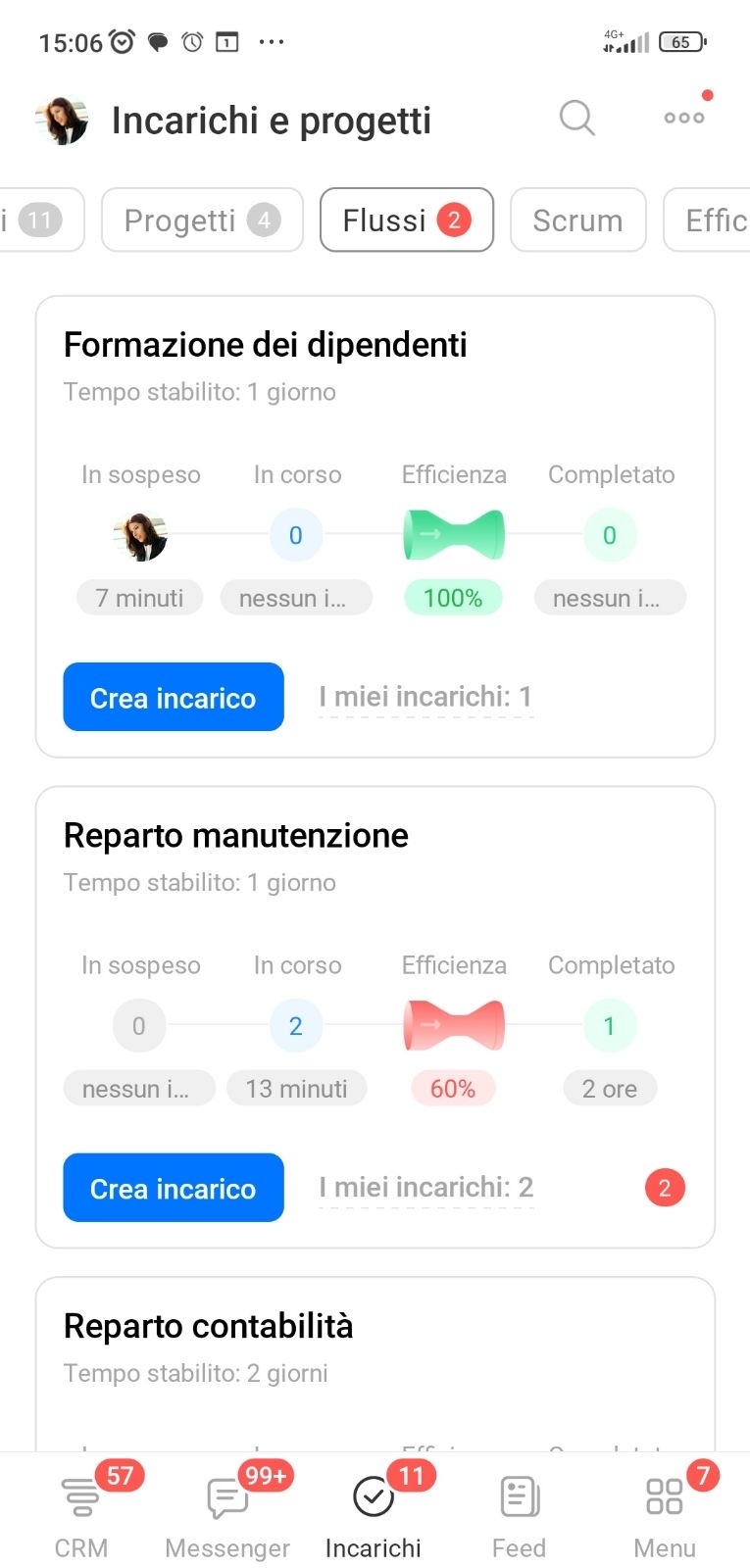
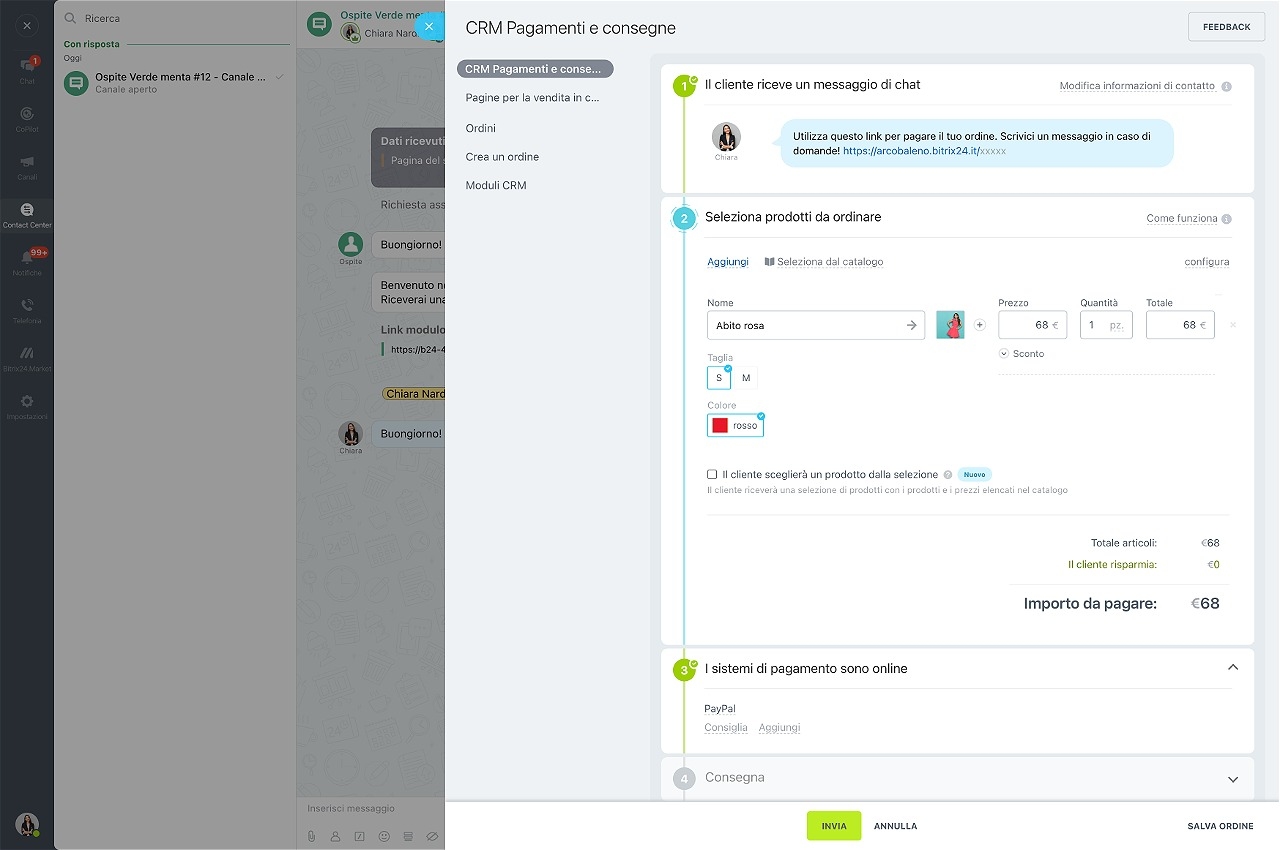
Enrollment may require confirming the program, sharing payment instructions, checking the payment status, and sending onboarding details. Tasks linked to the student record keep these actions in sequence and make unresolved questions easier to revisit.
After payment is confirmed, move the student toward the correct cohort or onboarding step instead of leaving the handoff in a separate conversation.
Automate predictable follow-up moments
Use automation for repeatable steps in the lifecycle, such as creating a reminder after an offer, prompting a payment check, or assigning a task before a cohort starts. This keeps routine follow-up from depending on memory.
Leave course-specific questions and sensitive student conversations for human handling, with automation supporting the process rather than replacing judgment.
Plan the next offer from student history
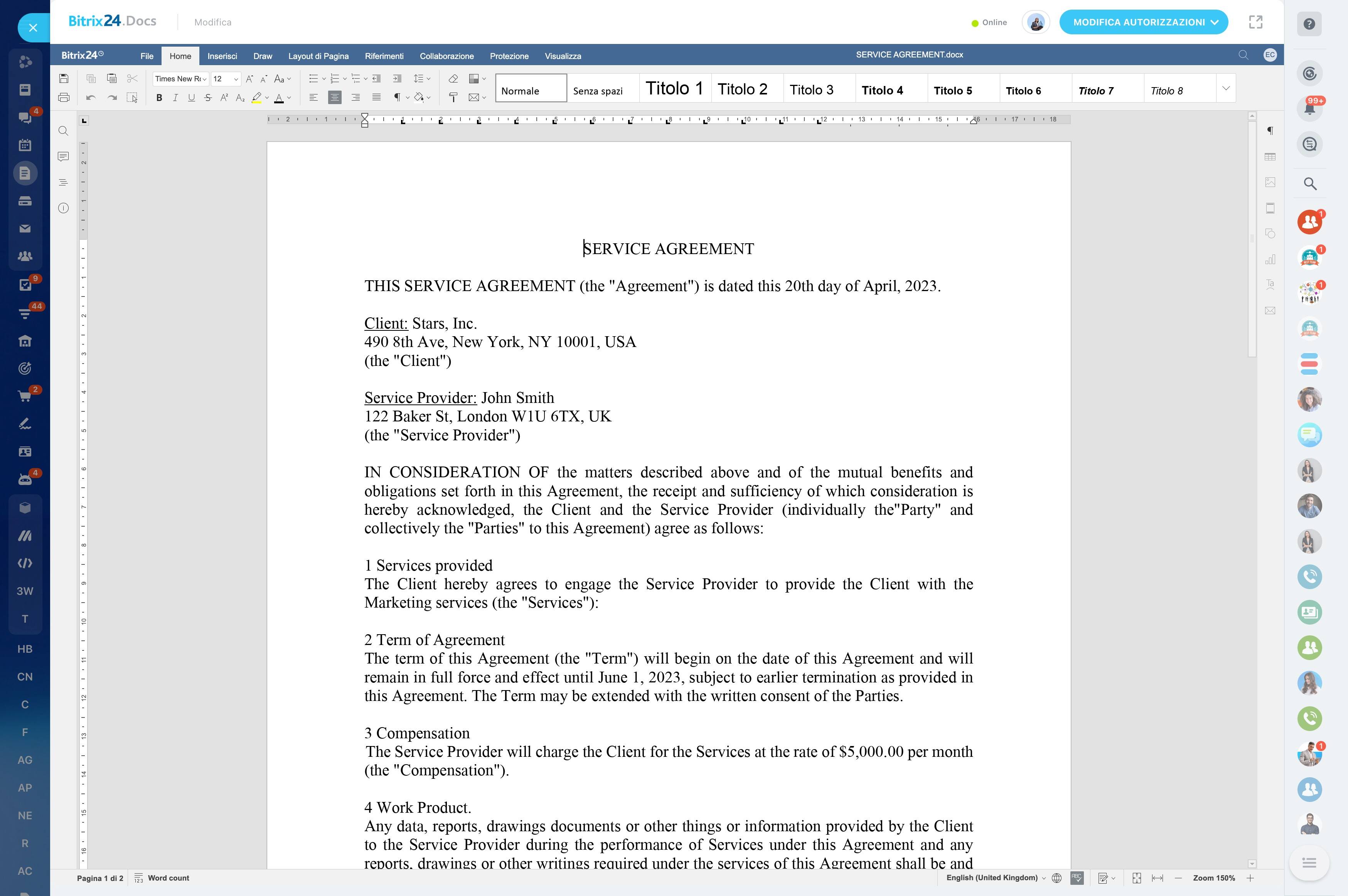
The end of a course can become the starting point for a relevant next conversation. Use the student’s completed course, cohort, interests, and previous interactions to plan an advanced program, new cohort, private coaching, or another learning format.
This approach makes repeat offers part of the student journey instead of sending the same promotion to every past participant.